
OGG vs Opus: What's the Difference?
Compare Ogg Vorbis and Opus for audio quality, compression, compatibility, streaming, and file size. Learn which format fits your workflow.
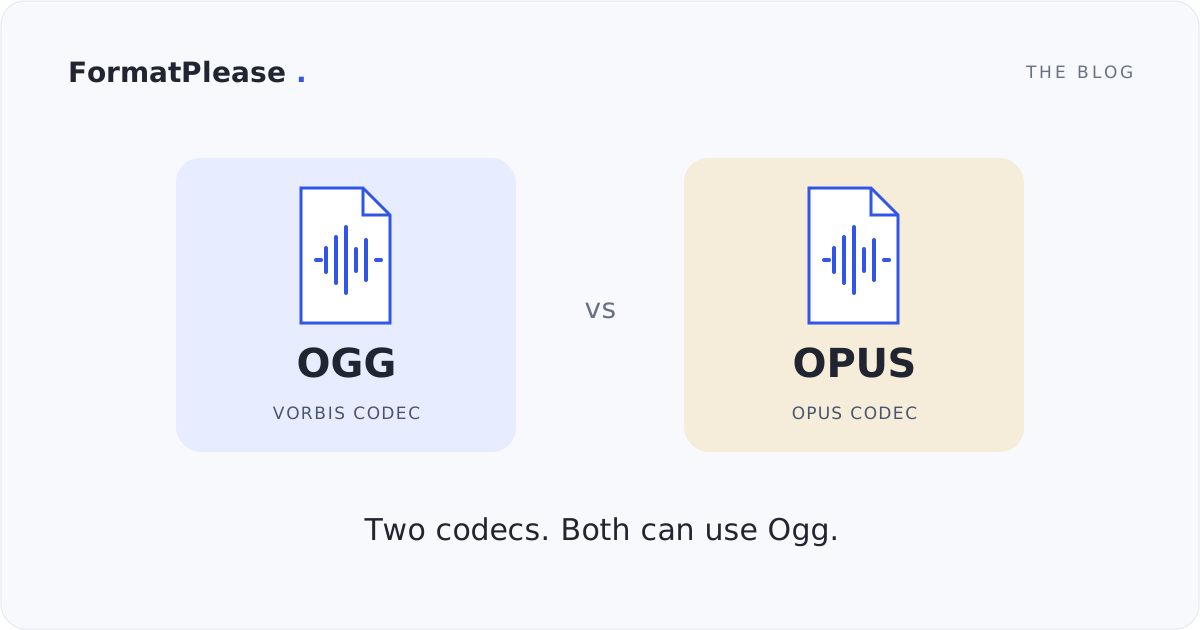
“OGG vs Opus” usually means Ogg Vorbis vs Opus. The names need a little unpacking: Ogg is a container, while Vorbis and Opus are audio codecs. Both codecs can live inside Ogg. In FormatPlease, OGG means Ogg Vorbis, and OPUS means Opus audio in an Ogg container.
Choose based on the destination and the source you have. Opus is worth considering for speech and bandwidth-conscious delivery; Vorbis is useful when an existing app or asset pipeline specifically expects it. Neither choice upgrades an already lossy recording.
What is OGG?
Ogg is a container format maintained by Xiph.Org. It organizes encoded media streams; it does not define how the sound itself is compressed. A filename ending in .ogg often refers to Vorbis audio inside that container, but the extension is not a full description of its contents.
Vorbis is a lossy audio codec. For the rest of this comparison, “OGG” means Ogg Vorbis, matching the public converter label. That narrower meaning avoids confusing the container with the codec.
What is Opus?
Opus is a lossy codec designed for speech and general audio, including music and interactive communication. It supports low-delay use cases as well as stored audio. Low delay matters in a live call, where waiting for the next sound can interrupt conversation.
Opus can be stored in Ogg. FormatPlease exports that combination with an .opus extension. It is still Ogg underneath; the different filename helps identify the codec to users and applications.
OGG vs Opus at a glance
| Consideration | OGG / Ogg Vorbis | Opus |
|---|---|---|
| What the name describes | Ogg container with Vorbis audio | Audio codec; often stored in Ogg |
| Compression | Lossy | Lossy |
| Typical reason to choose it | A player or asset workflow expects Vorbis | Speech, interactive audio, or efficient delivery |
| Music | Suitable at settings appropriate to the material | Also suitable; not restricted to voice |
| File size | Depends on duration and average bitrate | Depends on duration and average bitrate |
| Browser playback | Test Vorbis-in-Ogg support | Test Opus-in-Ogg support |
| FormatPlease controls | Vorbis quality level | Opus target bitrate |
| Source preservation | Does not restore discarded information | Does not restore discarded information |
Codec vs container
Think of the container as the file’s organization and the codec as the method used to represent sound. Opening the container and decoding its audio are separate capabilities. An application that reads Ogg Vorbis does not necessarily accept every other codec carried in Ogg.
Renaming .ogg to .opus does not convert Vorbis into Opus. The OGG to OPUS tool decodes and re-encodes audio. Use OPUS to OGG when the destination explicitly needs Vorbis, remembering that this also creates another lossy generation.
Audio quality and bitrate efficiency
Bitrate efficiency means how much useful perceived quality an encoder can deliver within a data budget. Opus is a strong candidate at constrained bitrates, but results depend on the recording and encoder settings. The Opus project’s comparison page links listening tests and cautions against treating its overview chart as an exact quality prediction.
Listen to difficult sections rather than just the first few seconds. Check consonants, cymbals, reverberation, and quiet passages at matched playback levels. If a lower bitrate audibly changes something you care about, increase the setting or keep the larger copy. Converting Vorbis to Opus cannot recover information already removed by Vorbis.
Speech and music
For voice notes or spoken material, Opus offers settings oriented toward compact speech delivery. FormatPlease’s 32 kbps Voice option is a starting point to evaluate, not a promise of suitable quality for every voice or background. Check intelligibility in the actual listening conditions.
For music, compare more generous settings and preserve stereo if it matters to the recording. FormatPlease also offers 96 and 160 kbps Opus targets. Its Vorbis Low, Medium, and High controls use quality levels rather than equivalent fixed bitrates, so matching the names of settings would not be a fair size or listening comparison.
Streaming and browser compatibility
Opus’s low-delay design suits real-time audio, while both codecs can be used for stored audio delivery. A file conversion alone does not create a live stream, streaming server, or adaptive playback system. FormatPlease produces downloadable files.
Browser support depends on codec, container, browser version, and operating system; MDN’s audio codec guide documents those separate concerns. Test play, pause, seeking, and the beginning and end of the actual file on your target devices. The converter’s WebAssembly decoder is separate from a browser’s native audio player.
File size
At the same average bitrate and duration, Vorbis and Opus audio data have roughly the same size before container overhead. Opus is not automatically smaller because of its extension. Its efficiency may let you choose a lower bitrate that still meets your listening needs.
For a calculated example, one minute at an average 96 kbps is about 720,000 bytes, or 0.72 MB, before overhead. Variable bitrate, headers, and the recording affect the measured output. FormatPlease converts Opus output at 48 kHz; increasing a source’s sample rate for that output does not create additional source detail.
When to use OGG / Vorbis
Use Vorbis when the receiving app, game, or established audio workflow requires it. If an existing Ogg Vorbis file already works, keep it rather than re-encoding solely for a different extension. Export from the lossless source when one is available.
When to use Opus
Use Opus when the destination supports it and your tests show a useful speech or size tradeoff. For FormatPlease, choose a supported file, select Opus and a bitrate, convert, then check the download. Current supported inputs are single-stream, mono or stereo recordings within the converter’s file, duration, and memory limits.
If an editor instead needs PCM, use OGG to WAV or OPUS to WAV. OGG to FLAC and OPUS to FLAC avoid another lossy encoding stage for the decoded audio, but cannot reverse prior loss. The Universal Audio Converter brings these supported choices together.
Audio processing happens on your device, and exports omit source tags and artwork. Engine downloads and other webpage requests are separate from processing your audio locally.
For a player that requires MP3, convert Ogg Vorbis or Ogg Opus to MP3. To compare actual output sizes and listen to smaller copies, try the Audio Compressor. Re-encoding does not restore detail lost in the source.
Frequently asked questions
Are OGG and Opus two different codecs?
No. Ogg is a container; Opus is a codec. In everyday file comparisons, OGG often means Ogg Vorbis. FormatPlease uses OGG for Vorbis in Ogg and OPUS for Opus in Ogg.
Is Opus better than Vorbis?
Opus is a useful choice for speech, real-time communication, and efficient audio delivery. Vorbis remains useful where an application requires it. Compare the actual output at suitable settings; no codec guarantees better sound for every recording and bitrate.
Can Opus be stored in Ogg?
Yes. An .opus file commonly contains Opus audio in an Ogg container, including files exported by FormatPlease. The container and the audio codec describe different parts of the file.
Will converting OGG to OPUS improve the source quality?
No. FormatPlease decodes Vorbis and encodes Opus, adding another lossy stage. It cannot restore information removed earlier. Start from a lossless source when you have one, or convert only when you need the other format.
Will either format play in every browser?
Do not assume universal playback from the extension. Test the actual codec and container combination on your target browser and operating system. FormatPlease uses its own local conversion engine; conversion support does not guarantee native playback in every app.
Written by FormatPlease. Suggest a correction or verify local file processing.